

Resource Library
Writing Resources

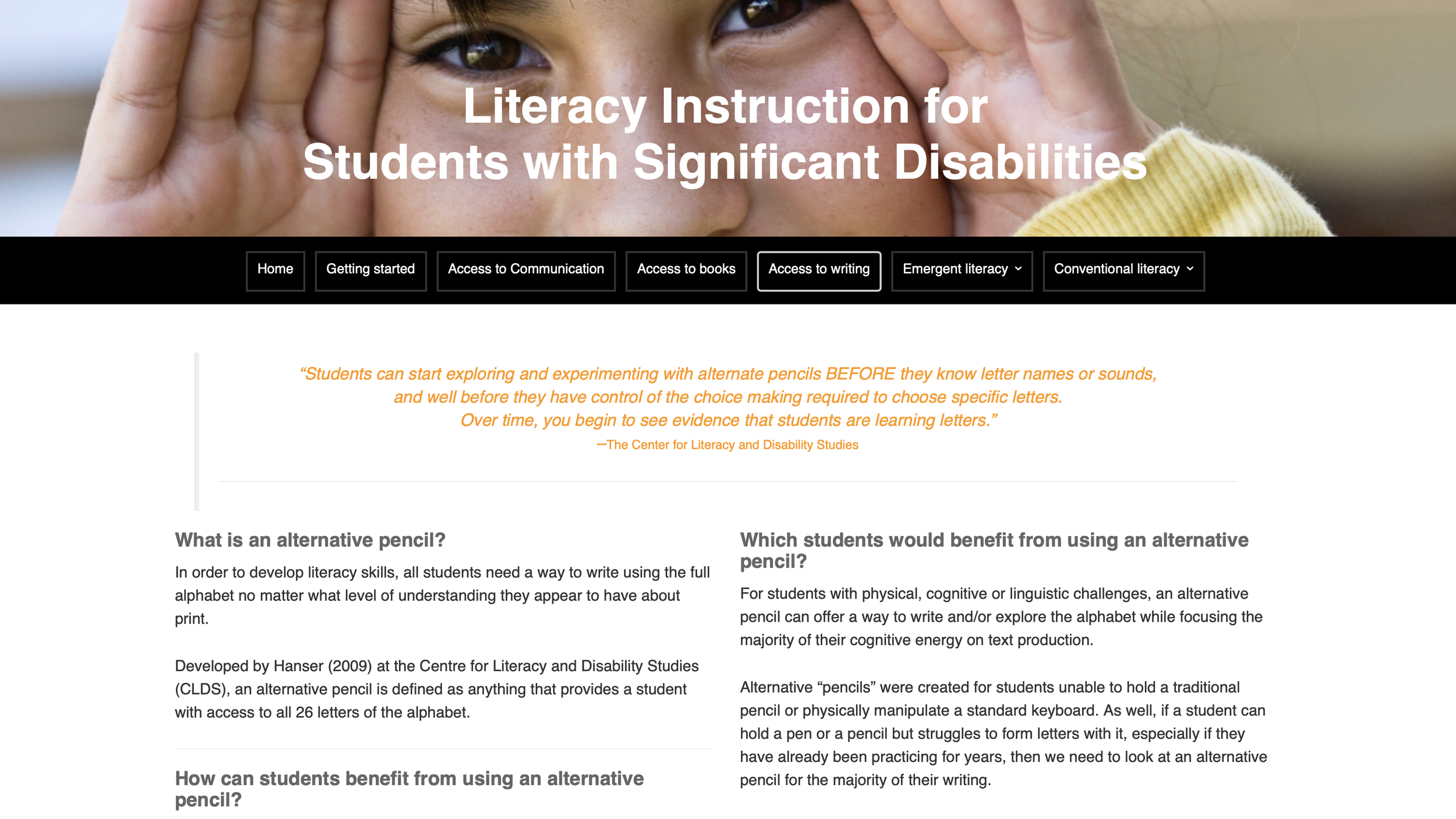
Access to Writing - Literacy Instruction for Students with Significant Disabilities
In order to develop literacy skills, all students need a way to write using the full alphabet no matter what level of understanding they appear to have about print.
Developed by Hanser (2009) at the Centre for Literacy and Disability Studies (CLDS), an alternative pencil is defined as anything that provides a student with access to all 26 letters of the alphabet.
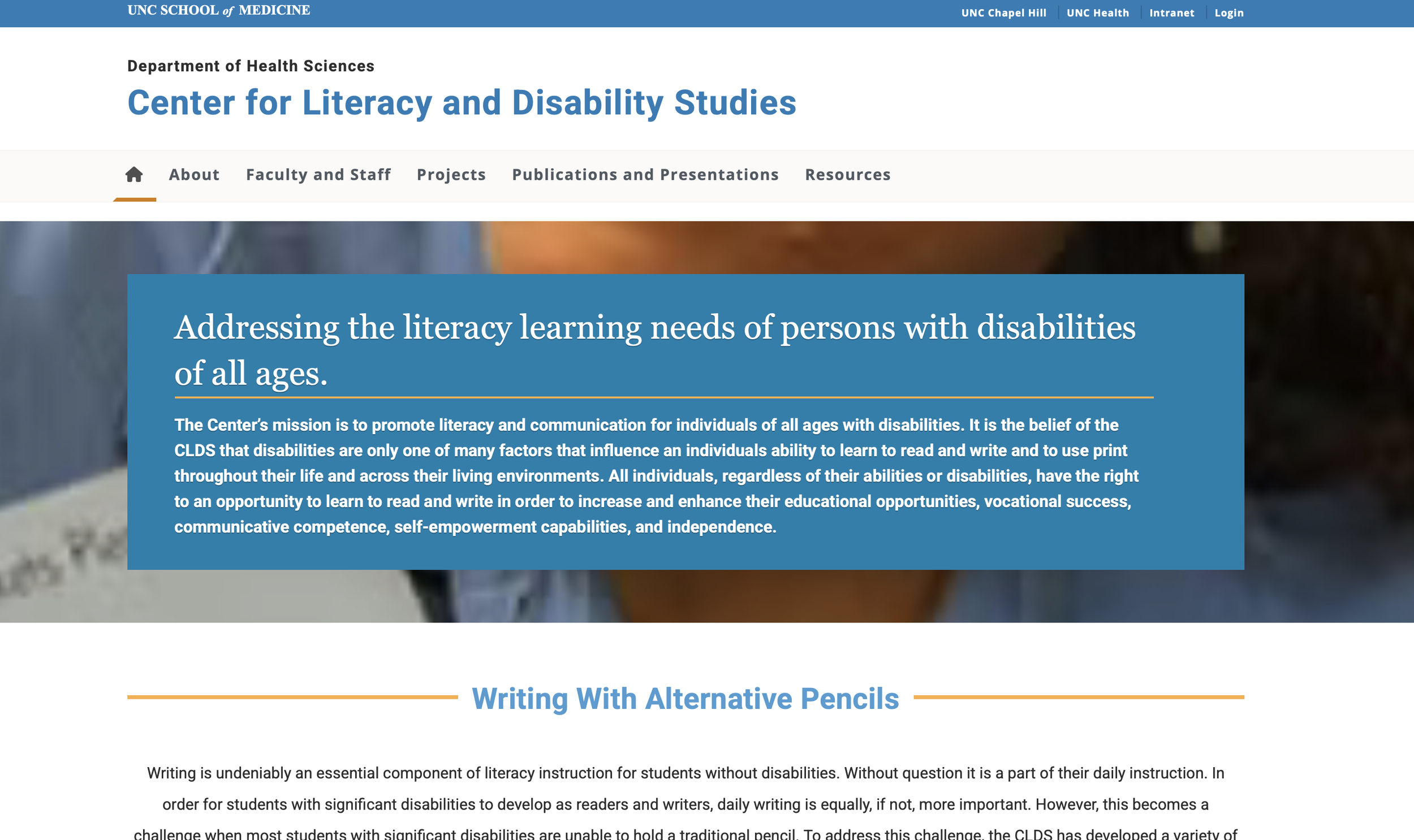
Center for Literacy & Disability Studies
Writing is undeniably an essential component of literacy instruction for students without disabilities. Without question it is a part of their daily instruction. In order for students with significant disabilities to develop as readers and writers, daily writing is equally, if not, more important. However, this becomes a challenge when most students with significant disabilities are unable to hold a traditional pencil. To address this challenge, the Center for Literacy & Disability Studies at UNC-Chapel Hill has developed a variety of “alternative pencils” for students with the most significant disabilities, including deaf-blindness.
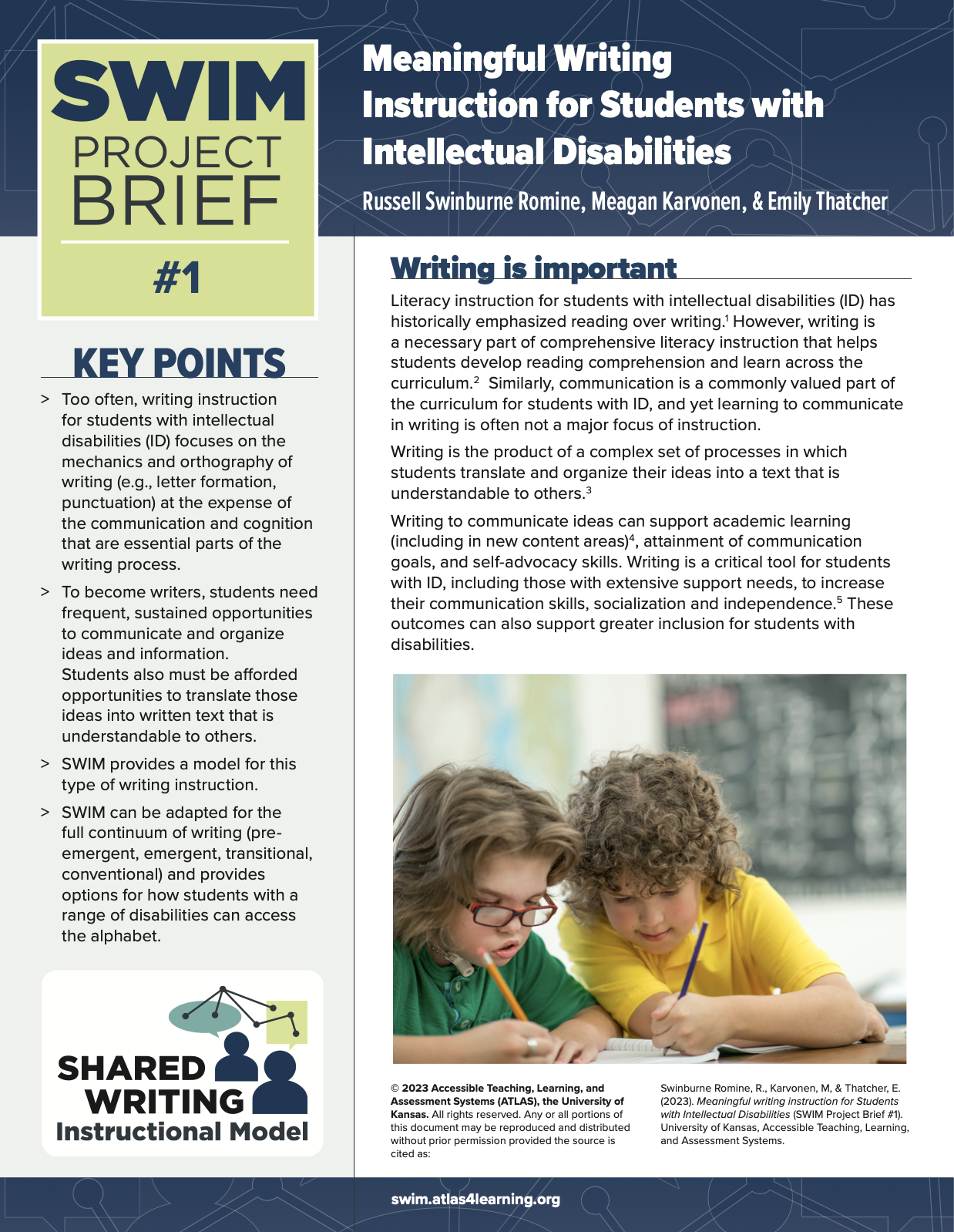
Meaningful Writing Instruction for Students with Intellectual Disabilities
An interesting article about the importance of developing writing as a tool for communication and what writing looks like for students with complex needs.
Ready, Set, Write - Alternative Pencils & Writing for Students with the Most Significant Needs
A downloadable presentation handout by Gretchen Hanser P.hD. and Dr. Caroline Musselwhite
Writing & Students with Significant Disabilities - What does the research say?
A really interesting and extensive collection of research around writing & the use of alternative pencils for students with significant disabilities.
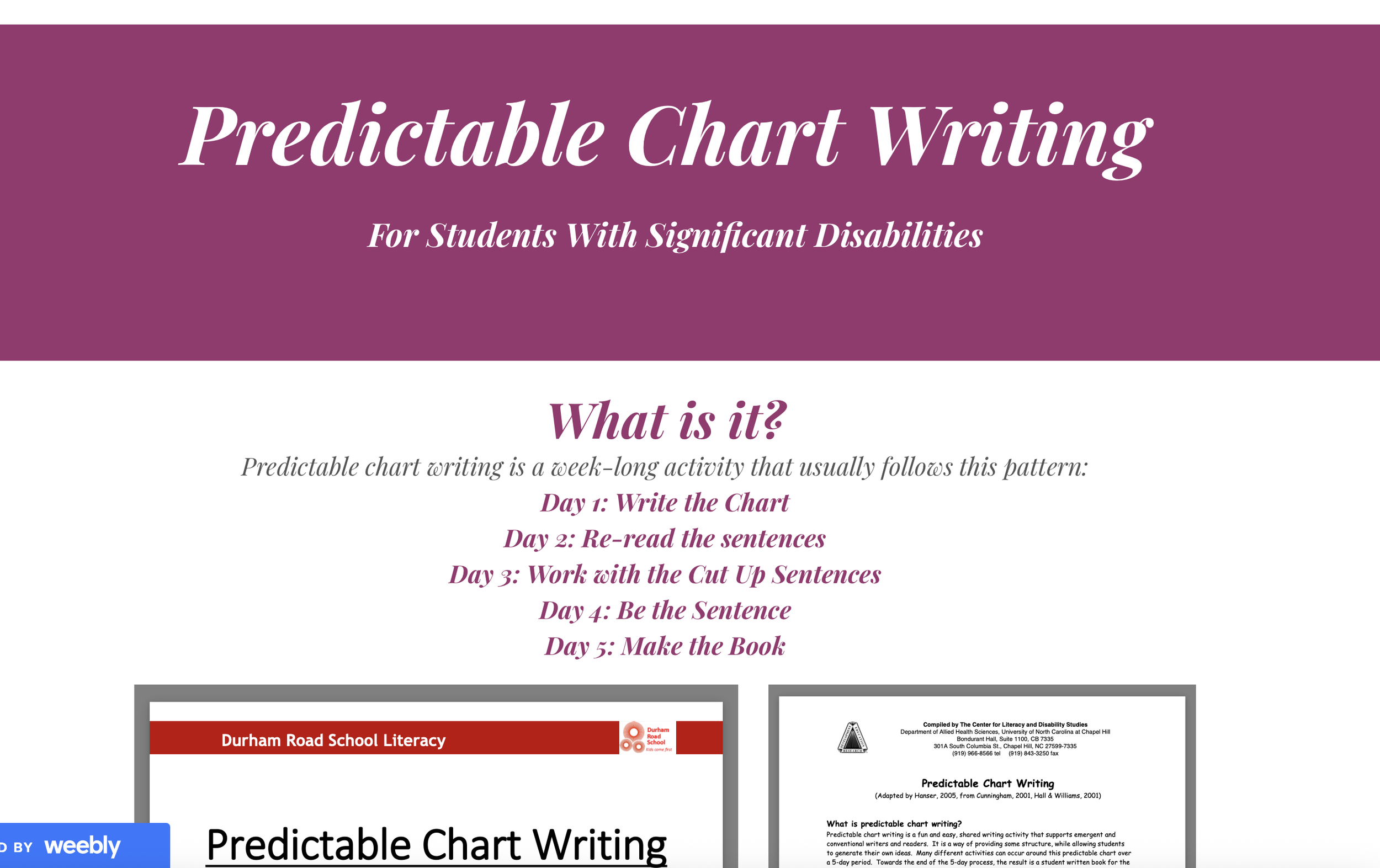
Predictable Chart Writing
Gretchen Hanser, OT, developed this idea of predictable chart writing based on work by Cunningham, Hall and WIlliams, 2001. “Predictable chart writing is a fun and easy, shared writing activity that supports emergent and conventional writers and readers. It is a way of providing some structure, while allowing students to generate their own ideas.” (Hanser, 2005). This is a step by step guide on using predictable chart writing with your learners.

Writing with All Tools Continuum
Jane Farrall's fantastic step-by-step writing development toolkit.
Click on image to open

IssieBoard App
Free alternative keyboard for iPads.
Click on image to open

Superkeys app
Customisable two-hit keyboard. This is the keyboard that is also available within Clicker software.
Download from the app store.
Click on image to open
Tutorial - Getting Started with Clicker
Click on image to open

Clicker Resources to Support Reading & Writing
Clicker 8: Resources for Reading and Writing Support
Click on image to open

TD Snap for Schools
You can enrol in the 'TD Snap for Schools' programme to get free, speaking versions of TD Snap for your classroom computer.
Click on image to open

Writing with All Tools Webinar
Jane Farrall
Click on image to open
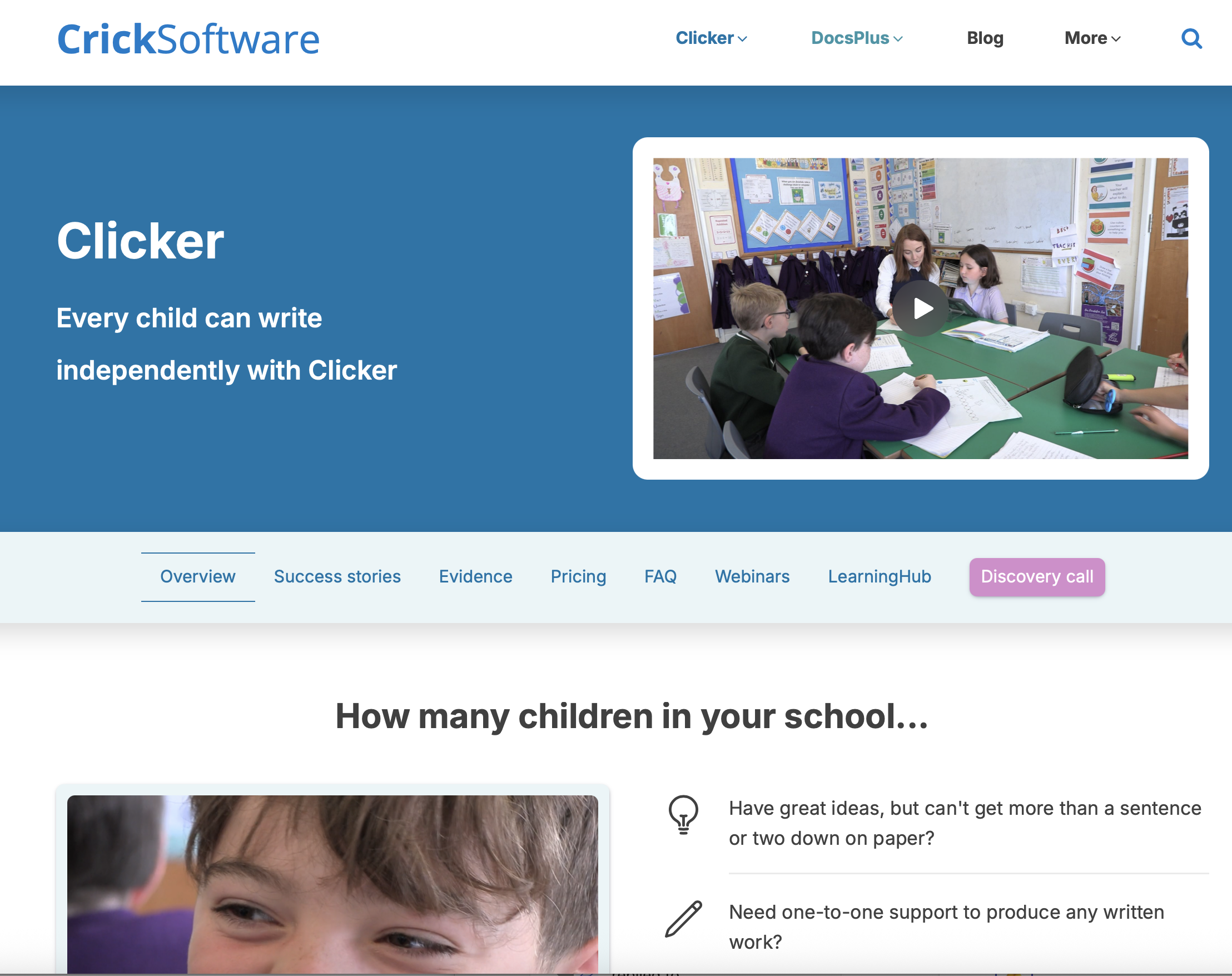
Information about Clicker and Clicker Writer software
Click on image to open

TD Snap for Windows and iPad
You can download TD Snap for free for both Windows computers and iPads. You need to pay to upgrade to the speaking version.
Click on image to open

Top tips for using Clicker 8 to support neurodiverse learners
Click on image to open

Tools for Writing
Jane Farrall
Click on image to open

Keeble Keyboard App
Switch Accessible
Download from the app store.
Click on image to open

Keedogo Keyboard
Download from the app store.
Click on image to open

Crick Switch Interface Box
If you want to use Clicker with a switch, you need to use their switch interface box - the Crick USB Switch Interface.
Click on image to open
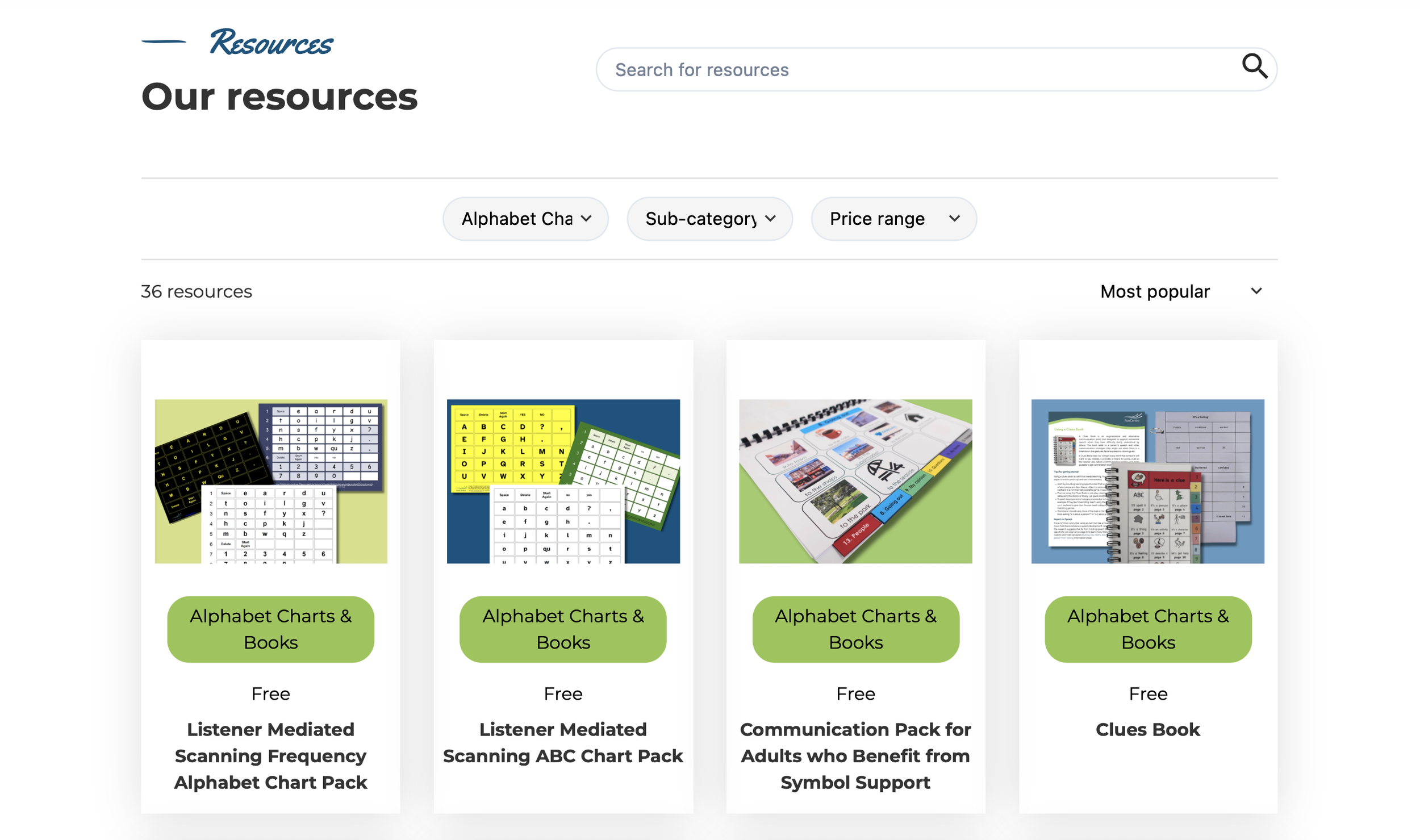
ACE Centre Alphabet Charts
Click on image to open
FOR SCHOOLS & PROFESSIONALS
Looking for ProFILE, the Inclusive Literacy Toolkit or training?
Our inclusive literacy framework, literacy audit and action planning toolkit, CPD options and training offer live on the Professionals page.